
Expenderino
See where your money actually goes, without typing in every coffee.
Free to download · iPhone · Optional Pro subscription
Why I built it
My banking app showed me a list of transactions, but never a clear picture of where my money was going. Other budgeting apps wanted me to type in every purchase by hand, and I'd give up after a week.
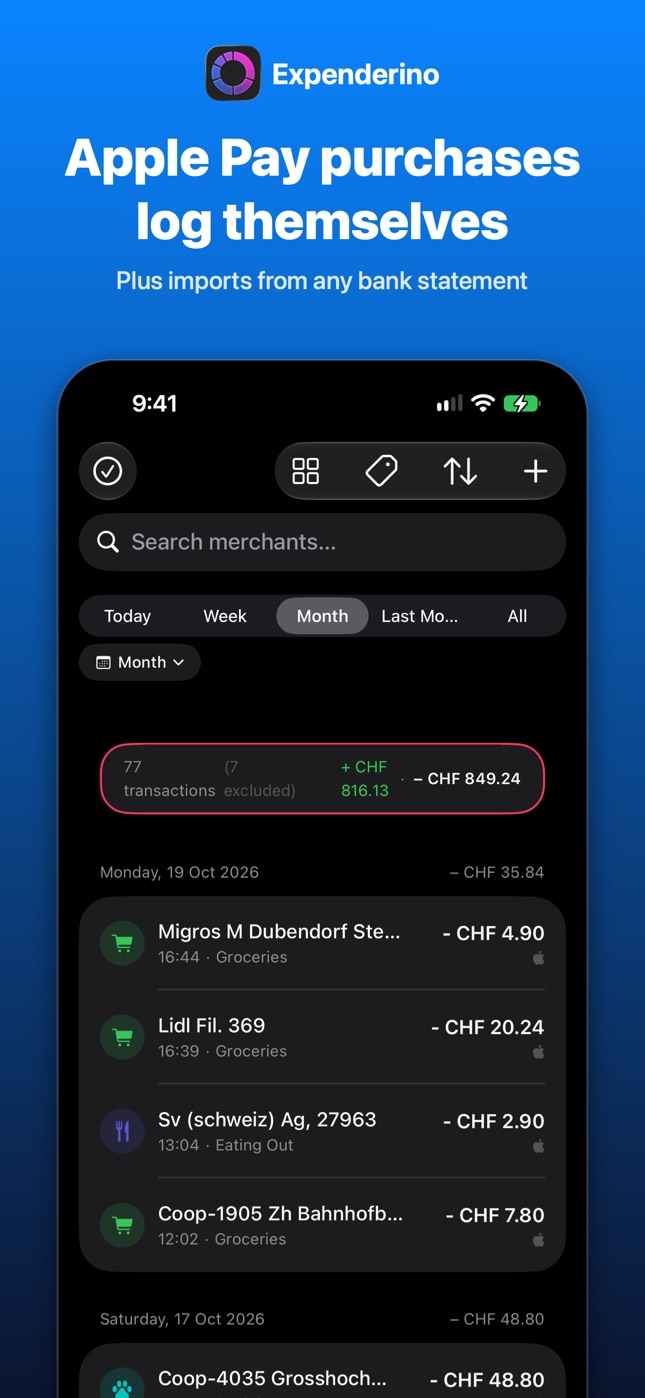
Expenderino does the boring part for you: Apple Pay purchases log themselves, and everything else comes in from your bank statement. You just look at the overview.
What it does
- ⚡️Apple Pay purchases log themselves. Set up one Shortcuts automation, and every tap of your iPhone or Apple Watch adds the expense with merchant, amount and time.
- 📥Import any bank statement. camt.053/.052 XML, MT940, OFX/QFX, CSV and PDF. Possible duplicates are flagged, and you choose which ones to keep.
- 🗂️Automatic categories. Transactions are sorted by keywords and rules you control, so new purchases land in the right place.
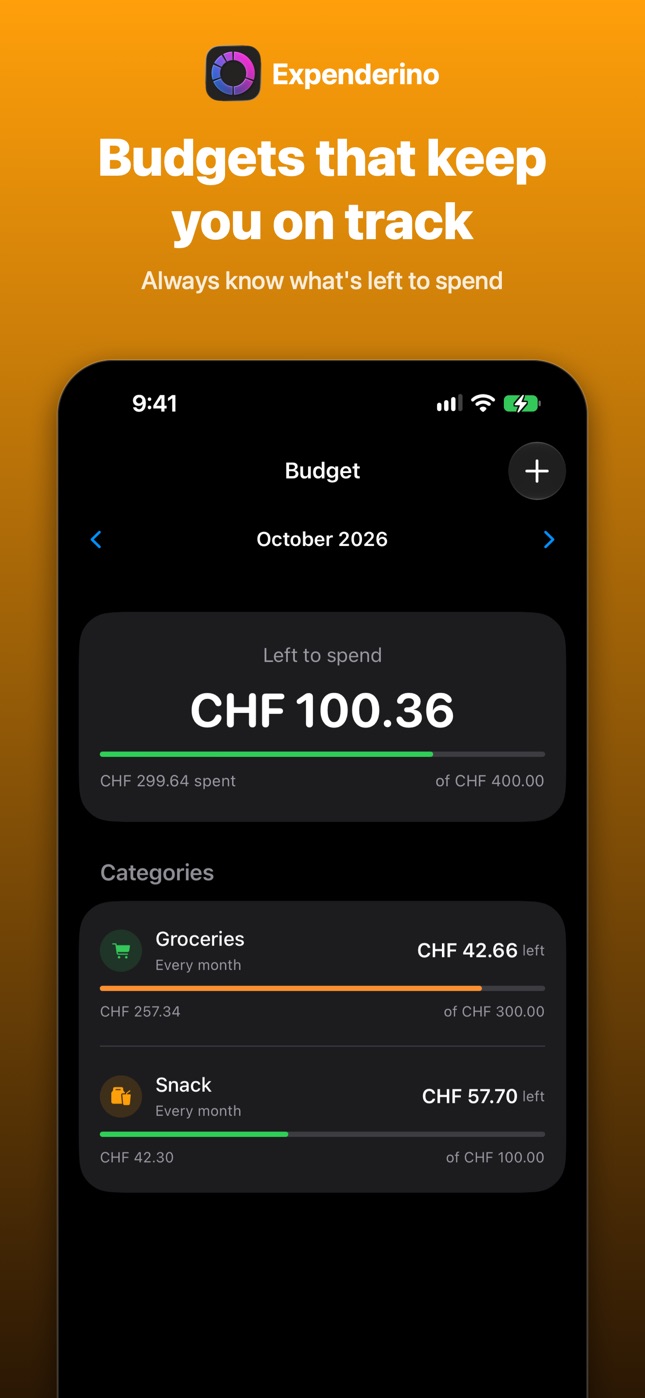
- 🎯Budgets that keep you on track. Set a budget per category or tag and always know what's left to spend this month.
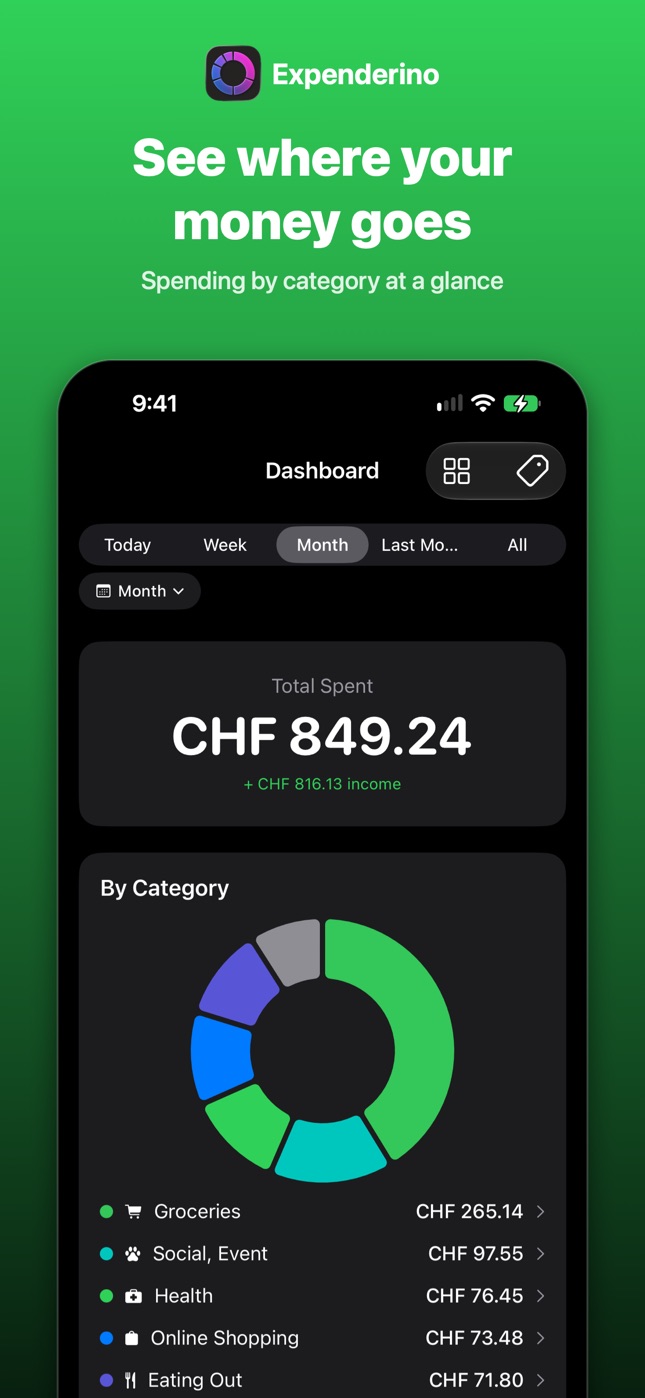
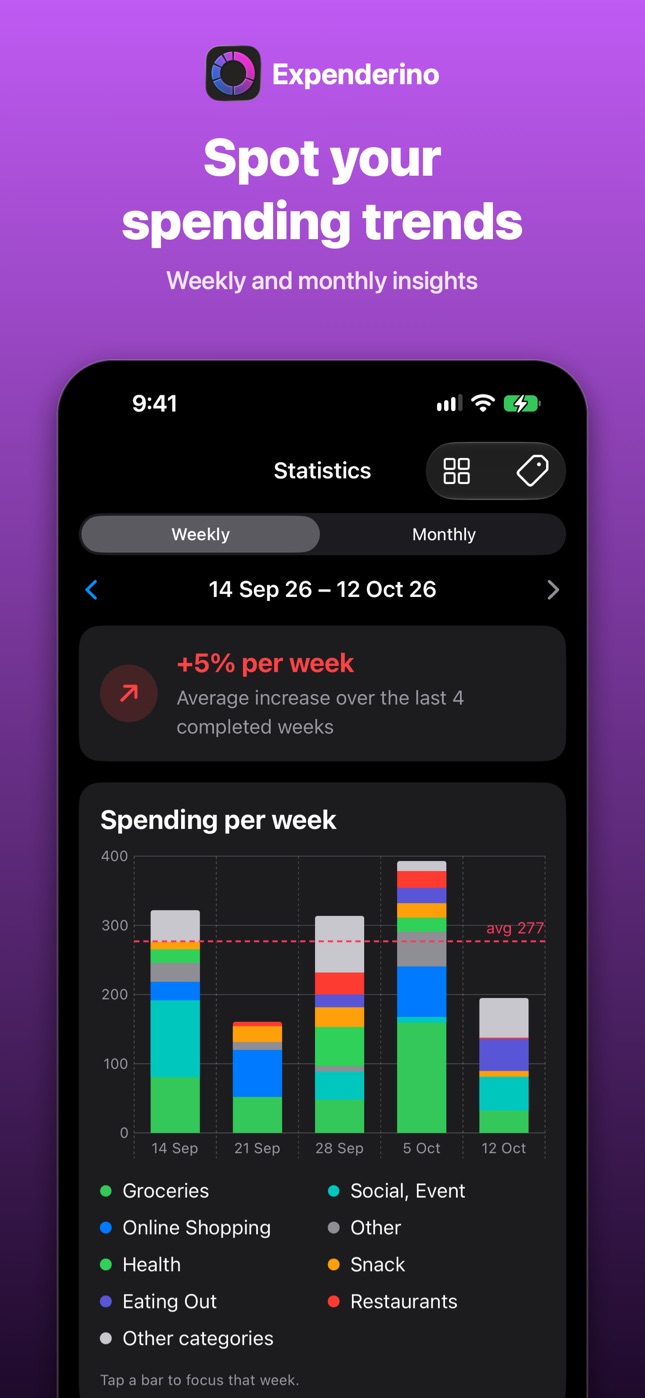
- 📊Clear insights. A dashboard, daily totals, and statistics for completed weeks and months, so you can spot trends.
- 💱Multiple currencies. Spend abroad and every total is still shown in your home currency.
- 📱Widgets. See today's spending, your month, and your budgets right on the Home Screen.
- 🔒Private by design. No account, no ads, no tracking. Your data stays on your device and syncs through your own iCloud. Optional Face ID lock.
How Apple Pay logging works
- Open the Apple Pay guide in Expenderino.
- Follow it to create a Transaction automation in the Shortcuts app.
- Pay as usual. Each purchase appears in Expenderino, already categorised.
It takes about a minute, and the app walks you through every step.
Free and Pro
Free
- Apple Pay logging
- Bank statement import
- Categories, tags and rules
- Dashboard and monthly statistics
- Up to 2 budgets
- iCloud sync and Face ID lock
Pro
- Everything in Free
- Unlimited budgets
- Weekly statistics
- Home Screen widgets
- Scan paper statements with your camera
- AI category suggestions (your first run is free)
Questions
Do I need to connect my bank account?
No. Expenderino never asks for your bank login. Purchases come in through Apple Pay and statement files you export from your bank yourself.
Which banks are supported?
Any bank that lets you export a statement as camt XML, MT940, OFX/QFX, CSV or PDF, which is nearly all of them.
Where is my data stored?
On your iPhone, and in your own iCloud if sync is on. There's no Expenderino server that stores your finances.
What do AI category suggestions send?
Only merchant names and your category names, never amounts, dates or account details. The feature is off unless you use it. The Privacy Policy has the details.
How do I cancel Pro?
Any time in your Apple Account settings under Subscriptions. You keep all your data.
Support
Questions, bugs, or feature ideas? Email cravat_seaters.5y@icloud.com and we'll get back to you.